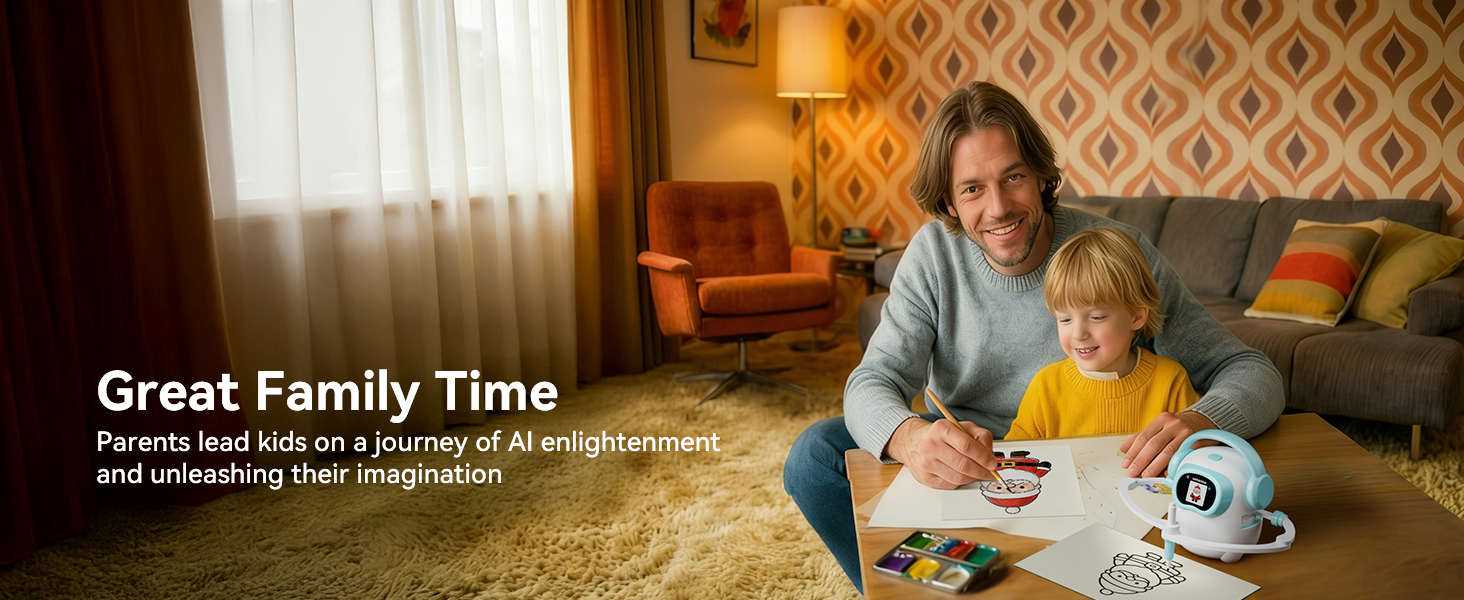
AI-powered drawing toys are a brand-new category in 2026: a child speaks what they want to draw, and the toy turns that sentence into a real picture on paper. They're noisier in the marketing than they are in parents' Slack groups, so this guide cuts the fluff. Here's what to actually look for, the three categories worth comparing, and a feature table you can take to the store.
Disclosure: Konawai makes the iBeed AI Drawing Robot, so we are not a neutral third-party reviewer. We've written this guide in the form we wish had existed when we started designing iBeed — a plain rubric for the category, with iBeed sitting in one of the columns so you can compare it on the same axes as anything else you're shopping. Use the rubric on every product you're considering, including ours.
Six things to check before buying
Most marketing copy reads the same. The differences that matter to your kid (and your sanity at 7am on a Sunday) live in these six dimensions:
1. How does the child input what to draw?
Card-based robots use physical pattern cards (limited and easily lost). Tablets use a stylus (great for art, no AI). Voice-activated AI robots let the child say what they want — which is the most natural input for ages 3-8 and the only one that scales beyond a fixed library.
2. How big — and how fresh — is the image library?
A 50-image card pack is great for a weekend, then it's done. A cloud-updated AI image library keeps a kid interested for months without you buying expansion packs. Always check the vendor's update policy: free forever, or "first year included"?
3. Does it work offline?
Kids play in cars, on planes, and at grandma's house. A solid AI drawing robot ships its library onto the device so it works fully offline; only brand-new generations need WiFi. This is also the foundation of privacy — if it works offline, you can disconnect it any time.
4. What are the actual privacy controls?
Any toy with a microphone deserves scrutiny. Three things to verify, in order of importance:
- Hardware-level microphone toggle — a control on the device itself rather than a setting buried in an app. This is the most direct way to know the mic is off.
- One-tap offline mode — disables all network connectivity from the device itself.
- Vendor commitment — a clearly written promise that voice recordings are not stored or sent anywhere persistent.
5. Physical paper or screen output?
A robot that draws on paper has very different screen-time implications than a tablet. If you're already worried about device time, insist on physical output. You also get drawings you can put on the fridge.
6. What's actually in the box?
Day-one usability matters. Look for a complete kit: the robot, a marker or set of pens (16 colors is generous), a reusable drawing board (saves paper), and a USB-C charging cable. Anything less and you're shopping for accessories on day two.
The three categories worth comparing
Most kids' drawing toys in 2026 fall into one of three categories. Understanding the categories first makes individual product comparisons a lot faster.
Category A — Voice-activated AI drawing robots
The newest category. A child speaks; the AI selects or generates an image; a robotic pen head draws it on paper. The best in this category (e.g., the iBeed AI Drawing Robot from Konawai) include a rich offline preset library, classic pattern card support, a touchscreen for backup browsing, parental mode, and physical paper output. Typical price: $100-$160. Ages 3-8.
Category B — Card-based drawing robots
The previous generation. A child inserts a pattern card and the robot traces it onto paper. No AI, no voice. Library is fixed and grows by buying expansion packs. Solid for ages 3-6 but kids outgrow them in months. Typical price: $40-$70.
Category C — Basic drawing tablets / LCD writing pads
Useful for freehand art and quick erasing, but no guidance, no voice, no AI, and output stays on screen. Best for ages 6+ who already enjoy drawing on their own. Typical price: $20-$80.
Side-by-side feature comparison
Print this or screenshot it. The "Ours" column is the iBeed AI Drawing Robot specifically, but use it as a template — any voice-activated AI robot you're evaluating should match or beat this row by row.
| Feature | iBeed by Konawai | Card-based drawing robot | Basic drawing tablet |
|---|---|---|---|
| Input method | Voice + touchscreen + cards | Physical cards only | Stylus / finger |
| Image library size | Curated AI-generated, cloud-updated | 20 – 100 fixed | N/A (draw freehand) |
| Library updates | Free, cloud-updated regularly | Pay per expansion pack | None |
| Voice-activated AI | Yes — wake word "Hi, Joy" | No | No |
| Physical drawing output | On real paper, with pen | On real paper, with pen | On screen only |
| Parental privacy controls | One-tap offline + hardware mic-off | Not applicable | Not applicable |
| Charging | Rechargeable, USB-C | AAA batteries (replaceable) | Rechargeable (varies) |
| Card compatibility | Yes — classic cards still work | Yes (locked to brand) | No cards |
| Internet required | Optional (offline preset library + cards) | No | No |
| Screen-time concern | Low — output is physical | Low | High — screen-based output |
| Recommended age | 3 – 8 years | 3 – 6 years | 6+ years |
| Typical price (USD) | $100 – $160 (iBeed: $118.99) | $40 – $70 | $20 – $80 |
| What's in the box | Robot, 16 pens, reusable board, USB-C cable | Robot, pens, a card set | Tablet, stylus |
Our top pick: iBeed AI Drawing Robot by Konawai
Across the six criteria above, the iBeed AI Drawing Robot is the option we ourselves shipped — and the one we've shaped this guide around. At the sub-$120 price point it covers: a free cloud-updated AI image library, a rich offline preset library plus classic pattern card support, a hardware-level mic-off toggle and one-tap offline switch, real paper output, 16 included pens, and USB-C charging. It runs on a wake word ("Hi, Joy") that's friendly to kids' speech, and its companion app lets one parent manage multiple devices in a family.
For technical detail on how the voice → AI → pen pipeline works, see our explainer: How AI Drawing Robots Work: A Parent's Guide for Ages 3-8.
When to choose a different category
Choose a card-based robot if…
- Your child is under 4 and isn't talking in full sentences yet.
- You want to spend under $70 and don't mind buying card packs later.
- You don't want any microphones or networking in the house, period.
Choose a basic drawing tablet if…
- Your child is 6+ and primarily wants to do their own freehand art.
- You're OK with screen-only output (or want a portable scratchpad).
- AI guidance and voice aren't priorities for you.
Choose a voice-activated AI robot (like iBeed) if…
- Your child is 3-8 and loves to imagine first, draw second.
- You want a toy that scales — kids outgrow card libraries quickly.
- You want minimal screen time but full AI engagement.
- You'd like your kid to learn how to talk to AI through play.
Frequently asked questions
What ages are AI drawing toys best suited for?
AI drawing toys with voice activation and a guided library are typically designed for children ages 3 to 8. Younger kids benefit from a Parental Mode that limits prompts; older kids practice freeform prompting on their own.
Do AI drawing robots need WiFi?
Most need WiFi to generate brand-new AI images on demand, but the better products ship with a pre-loaded image library that works offline. The iBeed AI Drawing Robot, for example, includes a rich offline preset library and supports classic pattern cards, and can disable networking with one tap.
Are AI drawing toys safe for kids' privacy?
Privacy depends on three controls: a hardware microphone toggle, a one-tap offline switch, and a vendor commitment to not store voice recordings. Look for these explicitly in the product specs. iBeed provides all three.
Do these toys produce real drawings or just on-screen art?
AI drawing robots produce physical drawings on real paper using a robotic pen head. Drawing tablets, by contrast, produce only on-screen art. If reducing screen time matters to you, choose a robot that draws on paper.
How much should I expect to pay for a quality AI drawing toy?
Card-based drawing robots start around $40-$70. Voice-activated AI drawing robots with cloud libraries typically run $100-$160 USD. The iBeed AI Drawing Robot is $118.99 on Amazon at launch.
Do these toys teach anything useful, or are they just entertainment?
Voice-activated AI toys naturally teach early prompt-engineering: the child describes what they want, sees the result, and learns to iterate. They also build descriptive language and fine-motor skills (when the child traces or colors over the robot's outline). For more on this angle see Teach Your Kid Prompt Engineering With Play.
What's typically in the box?
A complete set includes the robot, a marker or set of pens, a drawing surface (paper or reusable board), and a charging cable. iBeed ships with the robot, 16 drawing pens, a reusable drawing board, and a Type-C cable.