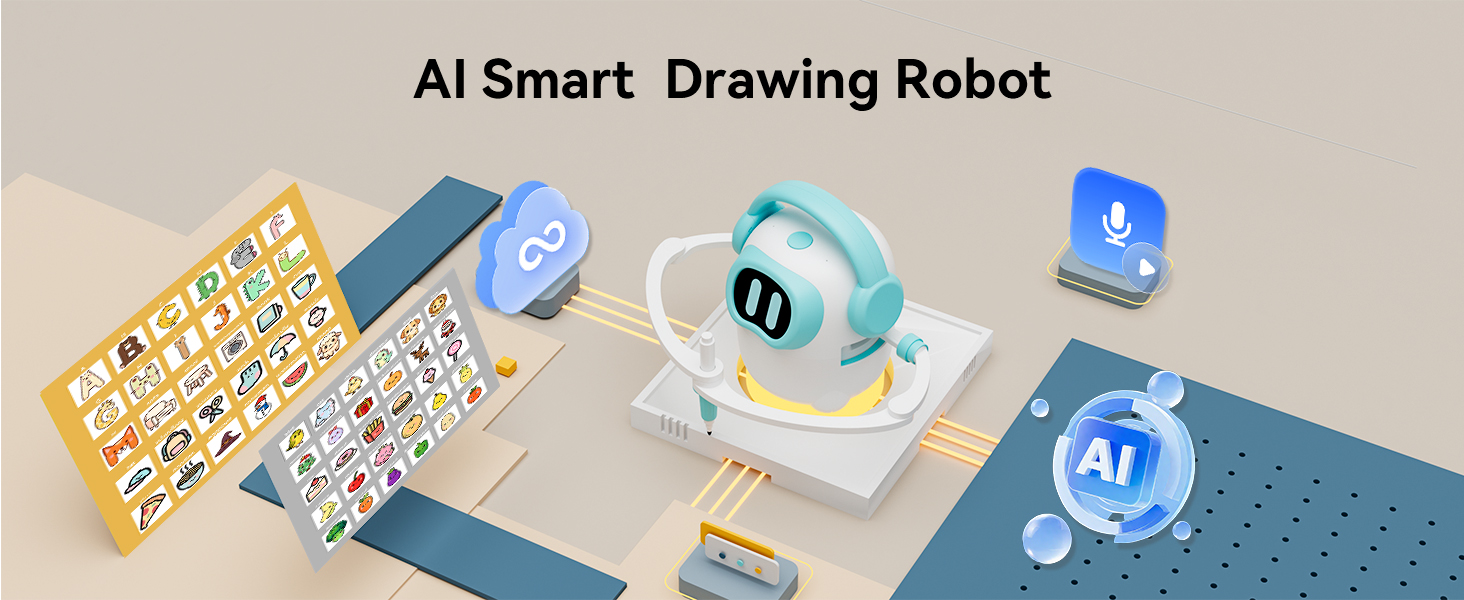
Joy — the voice inside your iBeed Drawing Robot — just got better at meeting your kid where they are. Today's firmware update adds on-device language switching, a gentle on-screen voice hint that rotates in your selected language, and a one-tap way to pair iBeed with the Konawai mobile app. None of this needs more data to leave the device than before: language recognition still runs locally, and the offline switch you've always had still cuts everything off in one tap.
What's new at a glance
- Voice Language picker — choose the language Joy listens in, right on the device.
- Rotating voice hints — friendly example prompts that change every few seconds, in your selected language.
- Connect to Mobile — link iBeed to your Konawai account directly from the device, so the app knows which iBeed belongs to your family.
1. Pick your language, on the device
Voice recognition isn't one-size-fits-all. A kid speaking English at home and French at grand-mère's shouldn't need a parent to dig into an app to switch — and now they don't. Open Settings → Status → Voice Language on iBeed and tap the language you want. The change is immediate, no restart, no cloud round-trip.
The picker is built right into the device, not an app-side toggle. That matters for two reasons. First, kids can be helped to switch by anyone in the room — you don't need the parent's phone. Second, the language preference is what the rest of the system uses for everything from how the wake word is interpreted to what the on-screen hints say.
If you haven't set a language yet — say, the very first time iBeed comes out of the box for a new sibling — it starts in an automatic mode and uses English as a sensible default until the first interaction confirms which language you speak. After that, the picker remembers your choice across reboots.
2. Hints that change in your language
Most kids look at iBeed when it's sitting idle and… aren't sure what to say. The new voice hint strip at the bottom of the idle screen suggests an example, rotating every few seconds:
🎤 "Hi Joy, draw a cat" → "Hi Joy, draw a dog" → "Hi Joy, draw a star" → …
The list rotates through drawable subjects kids actually ask for — animals, food, shapes, vehicles. The microphone icon pulses gently, the way a friend might wave to say I'm listening. It's especially useful for younger kids who can't read fluently yet: the hint becomes a spoken prompt the parent can read aloud the first few times, and the child quickly picks up the pattern.
Because the hints follow the Voice Language setting, a French-speaking child sees French examples, a Spanish-speaking child sees Spanish, and so on. iBeed currently ships hint bundles for 19 languages out of the box, with more to come.
A few small notes for the curious:
- The hint is automatically hidden when WiFi is disconnected — no point suggesting prompts the cloud library can't fulfill.
- If you've muted the microphone (one tap in the drawer — see below), the hint also disappears, so it's never misleading.
- During power-on or shut-down, the hint stays out of the way of the boot animation.
3. Link iBeed to the Konawai app
Until now, iBeed sat on the kitchen counter as a standalone device. With this update, you can link it to your Konawai account so it shows up in the mobile app alongside everything else you manage for your kids.
The flow takes about a minute. On iBeed, open Settings → Status → Connect to mobile and follow the prompts in the Konawai app to confirm it's your device. Once it's linked, the same Status row on iBeed shows your account email — so anyone holding the device can see at a glance whose family it belongs to.
What linking actually does for you, in plain terms: iBeed and the cloud now know which family the device belongs to. Anything that depends on that knowledge — your saved drawings, family-level preferences, account-aware features in the mobile app — works correctly. Nothing about the on-device experience changes; this is purely about making the app side useful.
Need to hand iBeed to a different family someday? Unlink it first from the mobile app. The next time iBeed reaches the cloud, it picks up the change automatically, ready for a fresh link.
What didn't change: privacy
None of this update relaxes iBeed's privacy posture. To recap:
- Wake-word detection still runs on-device. Audio isn't streamed to the cloud until Joy hears its name.
- The microphone toggle in the drawer is still one tap. Mute the mic, the hint strip disappears, and nothing is captured — at all.
- The Parental PIN still gates settings changes (including the new Voice Language and Connect to Mobile screens). Five failed attempts still lock the device for five minutes.
- The Voice Language preference and the mobile-link state live in device-local storage; they're not shared with third parties.
How to get the update
iBeed checks for firmware updates over WiFi automatically. If your device is connected, you'll get the May 2026 update on the next idle moment — usually within a few hours of release. You'll see the eyes animation briefly, then a short progress indicator, and then iBeed comes back ready to go.
If you've been keeping iBeed offline, just connect briefly to WiFi (Settings → WiFi, parental unlock required) and let the update apply. After that, you're free to disconnect again.
Frequently asked questions
Do I need to reset iBeed for the new language to take effect?
No. The Voice Language picker applies immediately. The hint strip on the idle screen also updates the next time iBeed returns to idle.
Does the voice hint waste battery?
The hint strip is a tiny piece of static text that rotates every four seconds. It's drawn by the same display logic that already runs the eyes animation, so the impact on battery is negligible.
If I unlink from my phone, do I lose my saved drawings?
Drawings saved to the on-device User Gallery stay on the device regardless of whether it's linked. Cloud-synced features that require an account pause until you re-link, but nothing local is deleted.
Which languages does the voice hint strip support today?
Out of the box, iBeed includes hint bundles for 19 languages across the major families spoken in Konawai households (English, Chinese, Japanese, Korean, Spanish, French, German, Italian, Dutch, Portuguese, Romanian, Polish, Danish, Norwegian, Swedish, Turkish, Arabic, Hindi, and more). More are added with each release.
Keep reading
- How AI Drawing Robots Work: A Parent's Guide for Ages 3-8 — the plain-English explainer of what's actually happening when Joy hears your kid speak.
- Teach Your Kid Prompt Engineering With Play — five low-effort language games that turn voice prompts into learning, in any language.