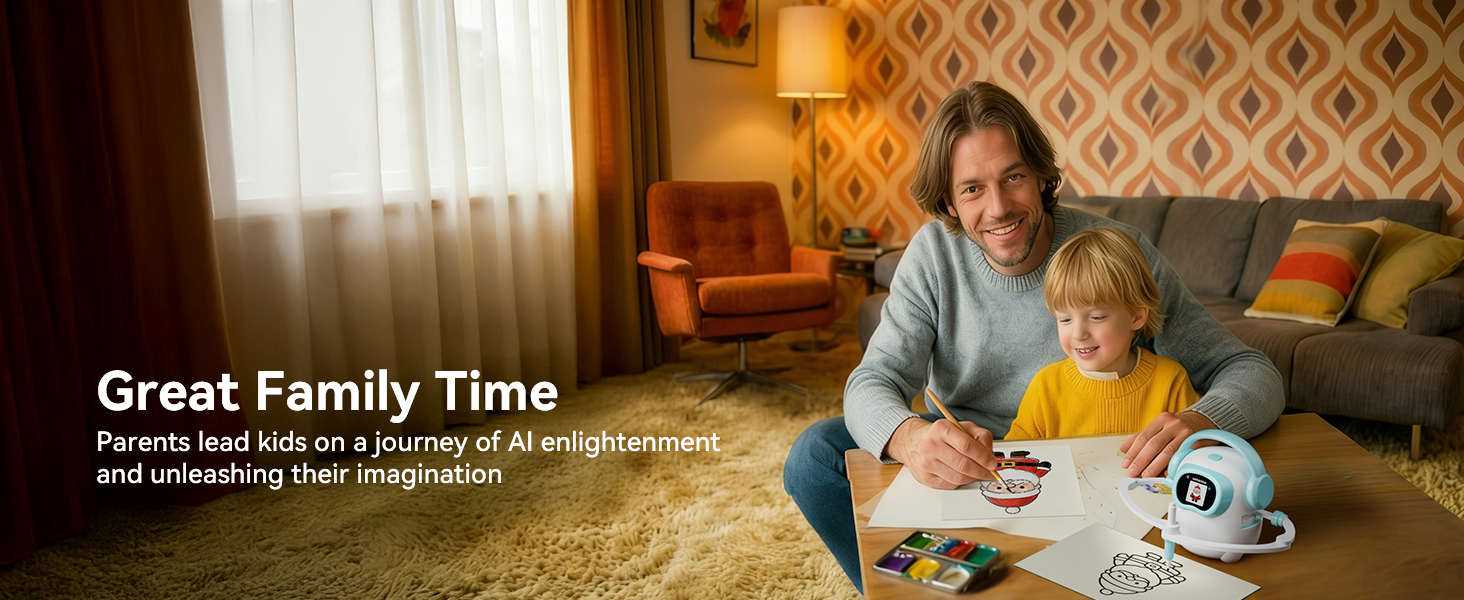
AI drawing robots and drawing tablets show up next to each other in every kids' creative-toy gift guide, and the names sound similar enough that parents often pick almost at random. They shouldn't. The two are very different products: they take different inputs, produce different outputs, and lead to different conversations at the dinner table about screen time. This is a focused comparison of the two — not a survey of every art toy on the shelf — so you can tell quickly which one belongs in your house.
Disclosure: Konawai makes the iBeed AI Drawing Robot, so we sit on one side of this comparison. We've tried to be fair — drawing tablets are great products and we'll point out exactly when they win. The framework below is meant to be reusable: apply it to any robot or any tablet you're considering, including ours.
The fundamental difference, in one sentence
A drawing tablet is a blank canvas the child fills in. An AI drawing robot is a guided drawing partner that produces real pictures on paper from spoken ideas.
Everything else — price, screen time, age fit — falls out of that distinction. Tablets reward kids who already have ideas and want to execute them. Robots help kids who have ideas but can't yet draw what they're imagining, which is most kids ages 3 to 8.
Five things that actually decide the choice
1. Input: voice vs. stylus
A drawing tablet expects a stylus or finger. That requires fine-motor control most kids don't have until ages 5-6. An AI drawing robot expects a sentence: "Hi, Joy — draw a friendly dragon." A 3-year-old can do that. The input mismatch is the single biggest reason a well-meaning parent gives a 4-year-old a tablet and watches it sit on the shelf.
2. Output: paper vs. screen
A drawing tablet keeps the drawing on the screen. Hit "clear" and it's gone. That's a feature for some uses (no paper waste, instant erase) and a downside for others (nothing to stick on the fridge, nothing to show grandma). An AI drawing robot draws on real paper with a real marker. The output is physical, keepable, and not on a screen — which matters if you're already trying to reduce device time at home.
3. Screen time
Most pediatric guidance still treats screen time as a meaningful category. A drawing tablet, even a "kid-friendly" one with no apps, is screen-based output: the child stares at a screen while drawing. An AI drawing robot has a small status screen but the eyes-on time is on paper, watching a pen move. For most families that's a closer cousin to a craft kit than to a tablet.
4. Learning value
Tablets build fine-motor control and freehand drawing skills. That's real and worth something. AI drawing robots build a different muscle: descriptive language and early prompt engineering. The child learns to describe what's in their head precisely enough that the AI can render it ("a friendly dragon, with wings, blue, smiling"). Both are useful; they just teach different things. We've written about the prompt- engineering angle separately: Teach Your Kid Prompt Engineering With Play.
5. Cost and lifespan
Basic kids' drawing tablets and LCD writing pads run roughly $20-$80. Voice-activated AI drawing robots with cloud libraries run roughly $100-$160 (iBeed is $118.99). Tablets are cheaper up front. Robots cost more, but a cloud-updated image library refreshes the experience monthly without any further spending — there's no equivalent on a tablet, where novelty depends entirely on the child's own ideas.
Side-by-side feature comparison
Robot column is the iBeed AI Drawing Robot specifically; tablet column is a typical kid-friendly drawing tablet or LCD writing pad. Use this as a template — any product you're considering should match or beat its category column.
| Feature | AI drawing robot (iBeed) | Drawing tablet (typical) |
|---|---|---|
| Primary input | Voice — wake word "Hi, Joy" | Stylus or finger |
| Output medium | Real paper, with a pen | On screen only |
| Screen time | Low — eyes on paper | High — eyes on screen |
| Image library | Curated AI-generated, cloud-updated | None (freehand) |
| Best age range | 3 – 8 years | 6+ years |
| Skills built | Descriptive language, prompt habits | Fine-motor, freehand drawing |
| Microphone | Yes — hardware mic-off toggle | None |
| Internet | Optional — works offline with preset library and cards | Not required |
| Keepable artwork | Yes — paper | No — clears on tap |
| Typical price (USD) | $100 – $160 (iBeed: $118.99) | $20 – $80 |
| What's in the box | Robot, 16 pens, reusable board, USB-C cable | Tablet, stylus |
When the drawing tablet wins
There are real cases where a tablet is the right buy. Choose a drawing tablet if:
- Your child is 6 or older and primarily wants to do their own freehand art.
- You want the cheapest creative gift on the shelf and don't mind that novelty fades faster.
- You don't want microphones in the house, period — even with hardware off-switches.
- You travel a lot and want something tiny that fits in a backpack pocket.
When the AI drawing robot wins
Choose an AI drawing robot if:
- Your child is 3-8 and loves to imagine first, draw second.
- You're trying to reduce screen time without giving up creative tech.
- You want a toy that scales — kids burn through fixed content quickly.
- You'd like your kid to start practicing how to talk to AI through play.
- Real, keepable drawings on paper matter to you (or to grandparents).
The age question, more directly
If you take nothing else from this article: the dividing line is age. Voice-activated AI drawing robots fit 3-8 because the input (voice) is the easiest thing a kid that age can do. Drawing tablets fit 6+ because the input (stylus, freehand control, blank-canvas patience) is what older kids have and younger kids don't. Buying a tablet for a 4-year-old is the most common mistake we see.
Can you buy both?
Yes. They're complements more than competitors. The robot covers the "I don't know what to draw" hours and trains descriptive language; the tablet covers the "I want to scribble freely without using paper" hours and trains fine-motor control. If your budget allows, the robot first (since it's the harder problem to solve at younger ages) and a basic tablet later as the child grows is a reasonable order.
Our take, plainly
For most families with kids in the 3-8 range, an AI drawing robot delivers more usable creative time per dollar — paper output, no real screen-time hit, language skills, and a library that doesn't run out. For families with older kids who already love drawing, a tablet is a fine, focused, cheap tool. Match the tool to the kid you actually have, not the kid the marketing copy assumes.
For the broader 3-way comparison (voice robots, card-based robots, tablets), see our 2026 buying guide. For a deeper look at how the robot's voice → AI → pen pipeline actually works, see How AI Drawing Robots Work.
Frequently asked questions
Is an AI drawing robot or a drawing tablet better for a 4-year-old?
For a 4-year-old, an AI drawing robot is usually the better fit. At that age kids are stronger at speaking than at fine-motor stylus work, so voice input gets them to a finished drawing faster. Drawing tablets generally suit ages 6 and up, when freehand control and patience for blank-canvas drawing have developed.
Do AI drawing robots count as screen time?
Most AI drawing robots have a small status screen but the actual output is on paper, not on the screen. Functionally that puts them closer to a board game than a tablet for screen-time purposes. A drawing tablet, by contrast, is screen-only output and counts as full screen time.
Can my kid still draw freely with an AI drawing robot?
Yes. The robot draws an outline; the child colors, traces, and adds details on the same paper. Many parents use the robot to lower the blank-page barrier and let the child take over from there. A pure drawing tablet is the better choice if you specifically want freehand-only practice.
Which lasts longer — a robot or a tablet?
Drawing tablets are simpler and tend to last longer mechanically, but kids outgrow them or get bored once the novelty fades. AI drawing robots have moving parts, but a cloud-updated image library keeps the experience fresh for months and stretches the useful life. Engagement, not durability, is usually the binding constraint.
What about privacy — the robot has a microphone, the tablet doesn't?
Drawing tablets typically have no microphones, which is an honest privacy advantage. AI drawing robots that take voice commands do have microphones. The right ones include three controls that close the gap: a hardware-level mic toggle, a one-tap offline switch, and a clear policy that voice recordings aren't stored. iBeed includes all three.
Can I use both — a robot for guided drawing and a tablet for freehand?
Yes, and many families do. The two cover different parts of the day. The robot handles the I-don't-know-what-to-draw moments and the tablet handles freehand sketching practice. They're complements more than substitutes.
How much should I budget?
Voice-activated AI drawing robots run roughly USD $100-$160. Basic drawing tablets and LCD writing pads run roughly USD $20-$80. The iBeed AI Drawing Robot is $118.99 on Amazon at launch. If your budget is under $50 and the child is 6 or older, a tablet is reasonable. If your budget is around $120 and the child is 3-8, a voice robot stretches further.